
Why Employee Training Videos Are Essential for Modern Workplaces
Employee training video content has become the go-to solution for organizations that need to educate, engage, and protect their workforce at scale. Here’s what you need to know:
Key Benefits of Employee Training Videos:
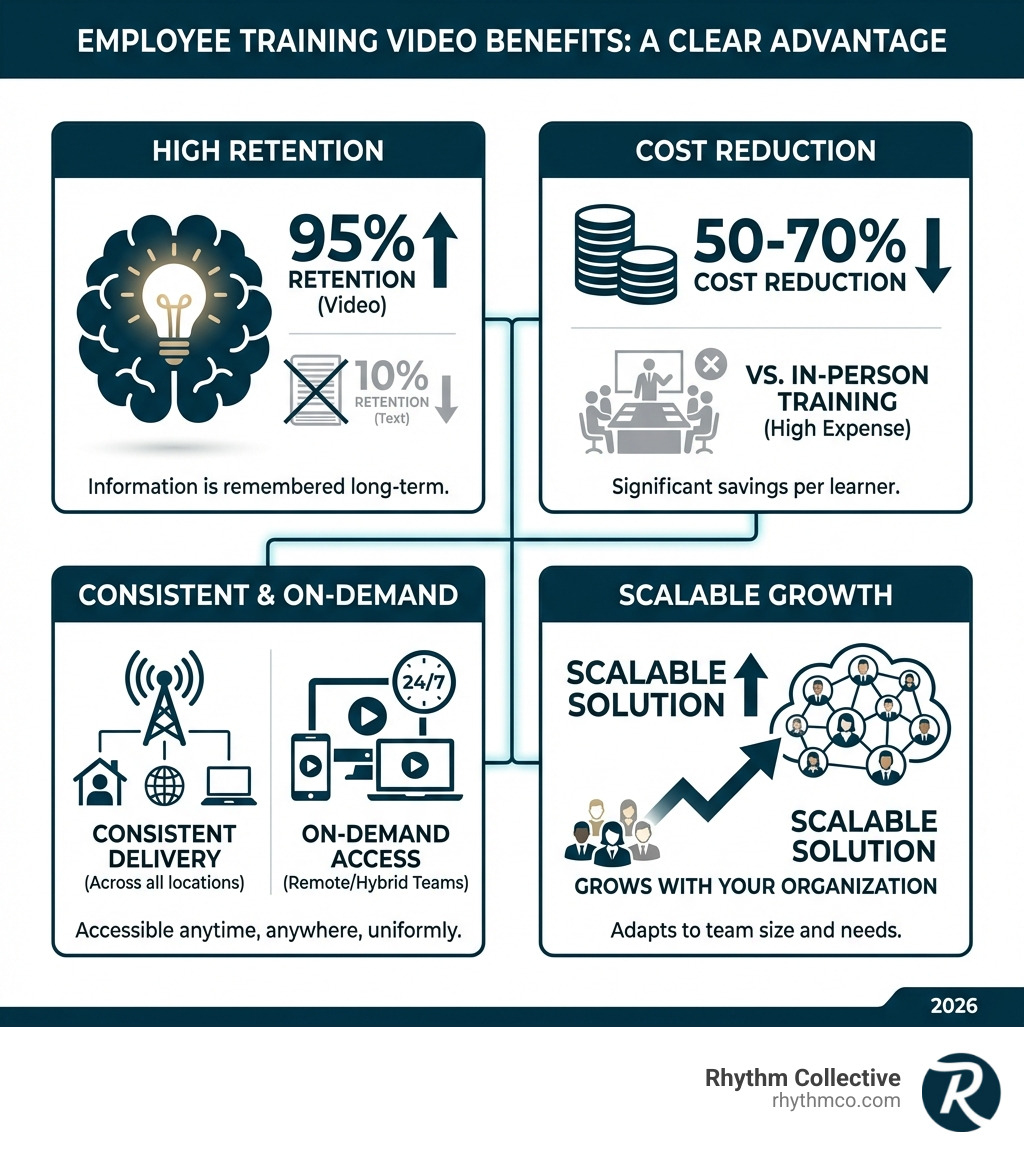
- 95% retention rate vs. 10% for text-based learning
- Consistent delivery of critical information across all locations
- On-demand access for remote and hybrid teams
- Cost reduction of 50-70% per learner compared to in-person training
- Scalable solution that grows with your organization
Nearly 70% of employees prefer learning from video rather than written material, and the numbers back up why. Research shows that people remember information from video format even after six weeks, while traditional training methods see knowledge decay rapidly.
This matters because the stakes are high. Nearly three million people are injured on the job each year according to the Bureau of Labor Statistics. Many of these incidents could be prevented with better, more engaging training.
The challenge most business leaders face isn’t whether to use video for training—it’s how to create videos that employees actually watch, and apply. A poorly produced training video wastes time and money. A well-crafted one transforms how your team learns, performs, and stays safe.
In this guide, you’ll learn the proven strategies for creating employee training videos that deliver real results. We’ll cover everything from choosing the right video format to measuring ROI, with practical examples you can implement immediately.
Why Video is the Gold Standard for Employee Training
In today’s business environment, effective employee training is more crucial than ever. For years, companies relied on bulky manuals, dry presentations, and sporadic in-person seminars. But times have changed, and so has the way people learn. This is where employee training video content shines, setting a new benchmark for corporate education.
The shift to video isn’t just a trend; it’s a strategic move backed by compelling evidence. Video instruction platforms like Udemy and LinkedIn Learning have soared in popularity, proving that learners actively seek out video content. This preference isn’t just for casual learning; it extends to the workplace. According to Kaltura’s own survey, nearly 70% of employees prefer learning from video rather than written material.
The benefits are clear: video instruction leads to higher engagement, increased knowledge retention, and unparalleled scalability. In fact, research by the American Educational Research Association suggests that video learning even outperforms in-person lectures in terms of knowledge retention and comprehension. Imagine that – a well-produced video can be more effective than a live instructor! This is partly because video training comes with a distinct advantage: high-quality engagement that translates to an impressive 95% retention (compared to only 10% retention for text-based learning).
At Rhythm Collective, we understand The Power of Storytelling Through Videography, and this power is amplified when applied to employee training.
Boosting Engagement and Comprehension
Why is video so much more engaging? It taps into our natural inclination for visual learning. Video allows us to simplify complex concepts by combining moving images, spoken word, and text. This multi-sensory approach ensures that information is not just presented, but truly absorbed.
Consider a safety procedure that involves intricate steps. Reading about it in a manual might leave room for misinterpretation. Watching a clear, step-by-step video demonstration, however, leaves little doubt. The visual cues, combined with narration, make the process intuitive and memorable. This is why people are more likely to remember information that they receive in a video format than text alone.
Modern employees, especially those who grew up with the internet, are accustomed to learning via video. According to a 2018 Pew research, 87% of us turn to YouTube to learn new stuff. This inherent preference for video means that when you offer training in this format, you’re meeting your employees where they are, catering to their preferred learning style, and significantly boosting their willingness to engage.
Ensuring Consistency and Scalability for All Teams
One of the biggest headaches for large organizations is ensuring consistent training across different departments, locations, and even shifts. A live instructor, no matter how good, will always have slight variations in their delivery. But an employee training video delivers the exact same message, every single time. This standardized messaging is vital for compliance, brand consistency, and maintaining high-quality standards across your entire operation.
Furthermore, video training is inherently scalable. Once created, a video can be watched by one employee or one thousand, without any additional cost per viewer. This is particularly beneficial for businesses with remote and hybrid workforces, which are increasingly common in Knoxville and beyond. Employees can access training modules on-demand, whenever and wherever it suits them, eliminating the need for expensive travel or coordinating schedules across time zones. This flexibility not only reduces per-learner costs by 50-70% compared to in-person programs but also empowers employees to learn at their own pace, replaying sections as needed.
As your team grows, your training program can effortlessly keep pace. New hires can be onboarded quickly and efficiently, receiving the same high-quality instruction as their predecessors. This robust consistency and scalability are central to our approach to brand consistency and overall organizational effectiveness.
Key Types of Corporate Training Videos
Choosing the right type of employee training video is crucial for its effectiveness. Just like you wouldn’t use a hammer to drive a screw, you wouldn’t use a talking-head video for a complex software tutorial. Each video type has its strengths, and understanding them helps you match the format to your learning objectives.
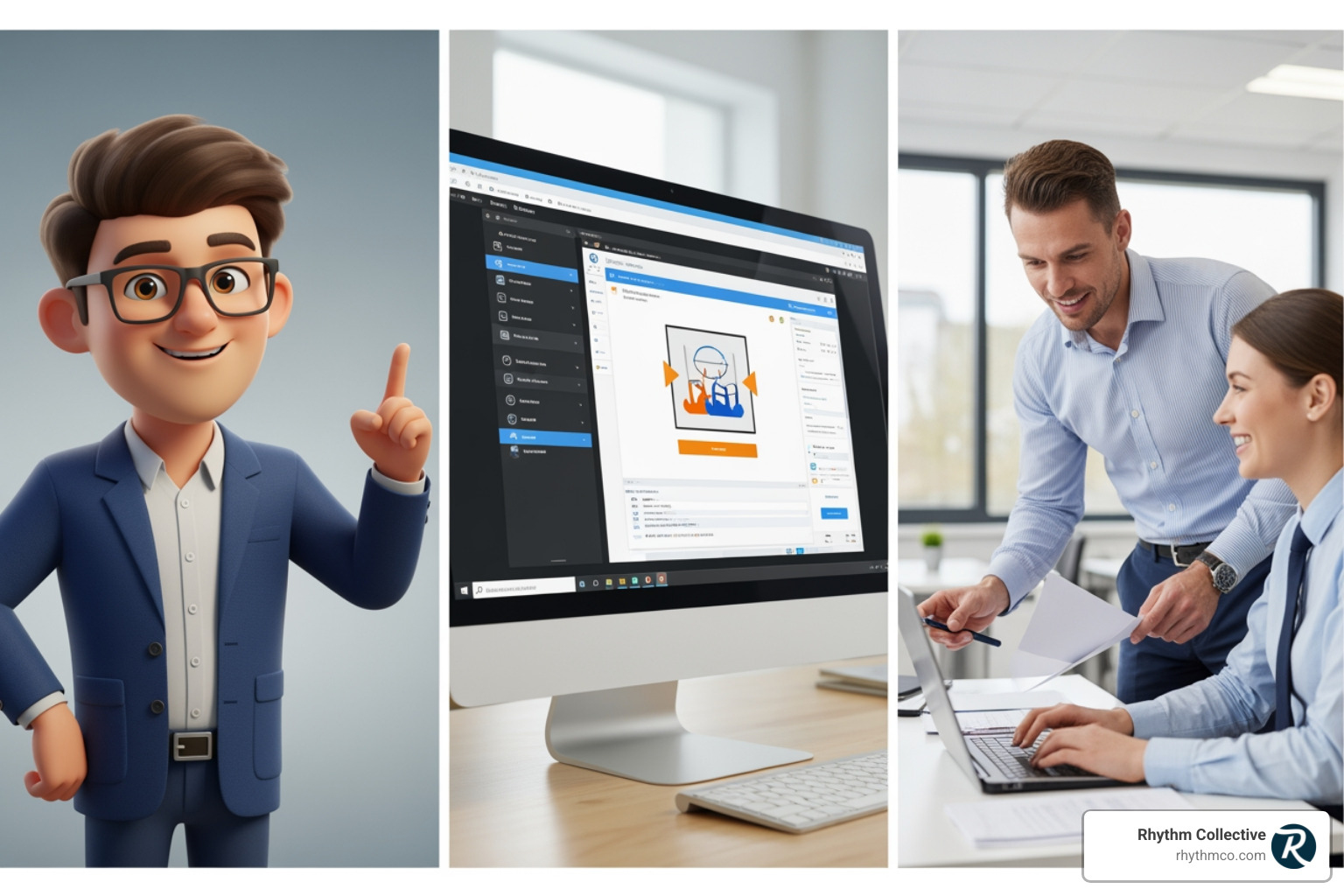
When we talk about effective video types, especially for safety training, certain formats stand out due to their clarity and impact. Our expertise in Top 5 Videography Types Every Business Should Include in Their Marketing Strategy helps us guide our clients to the most suitable solutions.
Here are some of the most effective types of corporate training videos we use:
1. Safety and Compliance Videos
These are perhaps the most critical employee training video types, designed to protect your workforce and ensure adherence to regulations. Safety and compliance videos effectively demonstrate procedures, highlight potential hazards, and clearly outline OSHA requirements. For instance, visually demonstrating the correct way to operate machinery or handle hazardous materials is far more impactful than a written description.
The stakes are incredibly high: nearly three million people are injured on the job each year, according to the Bureau of Labor Statistics. Many of these accidents could be prevented with clear, engaging safety training. Video can show, not just tell, how to perform tasks safely, identify risks, and react in emergencies.
A great example of this is a Respirator Safety video, which can visually walk employees through donning, doffing, and conducting user seal checks. These videos are indispensable for reducing workplace accidents and fostering a culture of safety. They can also cover emergency response drills, fire safety, and proper ergonomics.
2. Onboarding and Orientation Videos
First impressions matter, and a well-crafted onboarding video can set the tone for a new employee’s entire journey with your company. These employee training videos go beyond paperwork, introducing new hires to your company culture, values, and even their new team members.
Imagine a video that takes a new hire on a virtual tour of the office, introduces key leaders, and shows them how to steer essential internal systems like submitting expense reports. This process walkthrough can make a world of difference. It helps new employees feel connected to their team members, even in remote settings, reducing anxiety and accelerating their integration into the company. Role-specific guidance can also be delivered effectively, ensuring new team members understand their responsibilities and how their role contributes to the bigger picture.
3. Technical and Software Training
For any business relying on specific software or complex machinery, technical and software training videos are invaluable. These employee training videos provide clear, step-by-step demonstrations that are easy to follow and reference.
Screen recording videos are particularly effective here. They capture your screen activity while you demonstrate processes, steer software, or explain complex workflows. This allows employees to see exactly what to do, reducing user error and boosting efficiency. Instead of abstract explanations, employees see how to perform tasks in your company’s actual systems. This makes for excellent asynchronous demos that can be recorded once and reused indefinitely, perfect for repetitive training like software onboarding or system updates.
4. Soft Skills and Role-Play Scenarios
While hard skills are often the focus, soft skills are equally, if not more, important for a thriving workplace. Employee training videos can bring abstract concepts like communication, leadership, and empathy to life through scenario-based learning and role-play.
Videos can demonstrate effective customer service interactions, showcase different leadership styles, or model appropriate conflict resolution techniques. For example, a video could present a difficult conversation and then show several ways to approach it, highlighting the impact of each choice. A recent survey from Wiley indicated that two-thirds of employees surveyed felt that soft skills training positively affected their job performance. This demonstrates the tangible impact such training can have. By visualizing these scenarios, employees can practice and internalize the behaviors without the pressure of a live situation, making it easier for them to give constructive feedback or handle challenging interactions with grace.
The Blueprint for an Effective Employee Training Video
Creating an impactful employee training video isn’t just about pressing record. It’s a strategic process that involves careful planning, skilled execution, and thoughtful refinement. At Rhythm Collective, we break it down into three core phases: pre-production, production, and post-production.
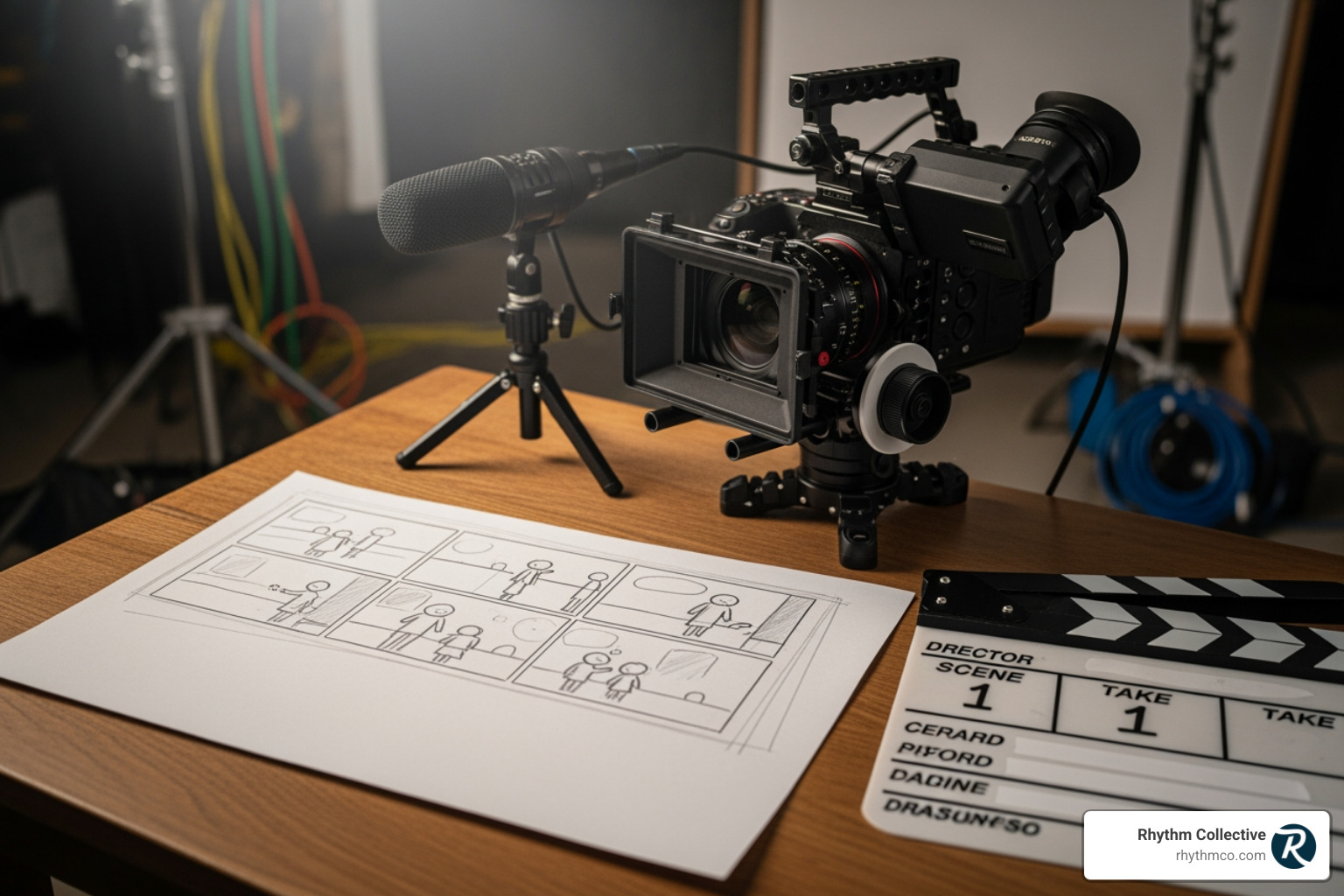
From defining your goals to polishing the final cut, every step contributes to a video that truly resonates and educates.
Step 1: Pre-Production and Scripting
This is where the magic truly begins. A strong foundation ensures a smooth production and a highly effective end product.
- Define Learning Objectives: Before you even think about cameras, ask yourself: What do we want employees to know or be able to do after watching this video? Clearly defined learning objectives will guide every decision you make.
- Identify Your Audience: Who are you training? New hires? Experienced managers? Understanding their existing knowledge, preferred learning styles, and potential pain points will help you tailor your content and tone.
- Choose One Topic Per Video: This is a golden rule for engagement. Employees are interrupted every 11 minutes, so breaking down learning into short, focused segments is key. A research study by Techsmith shows that the number one reason people watch a video is because they are interested in the topic. Pick ONE topic per video to keep it focused and digestible.
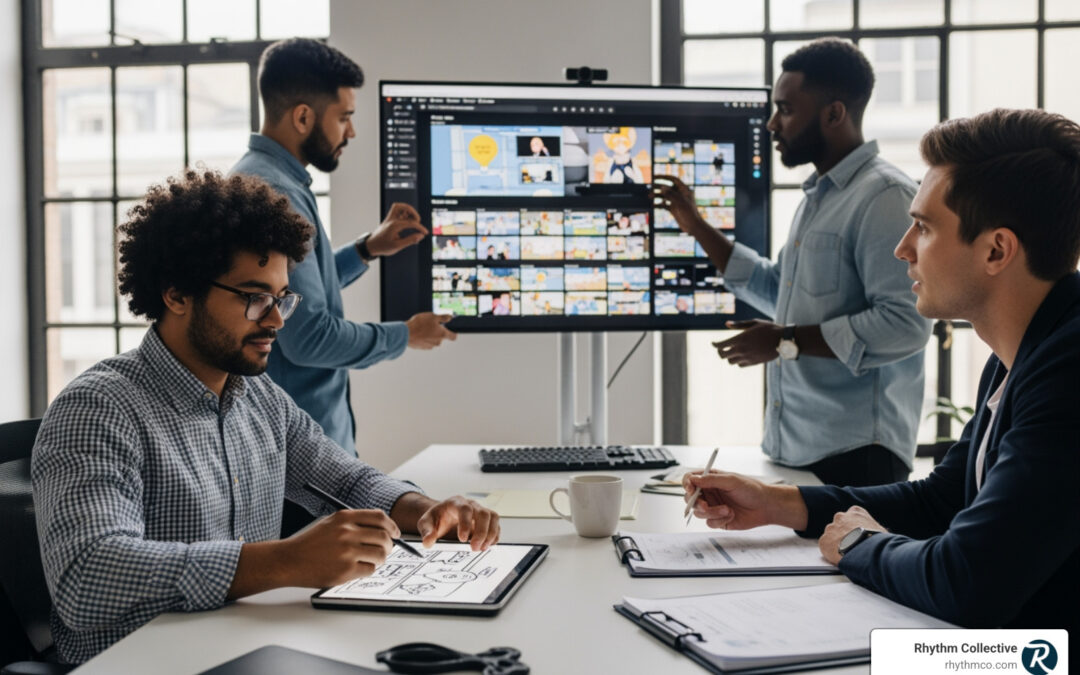
- Scripting and Storyboarding: Don’t wing it! A well-written script is the backbone of any good employee training video. Keep scripts conversational, organized, easy-to-understand, and free of jargon. For visual planning, simple sketches or even bullet points for a storyboard can help you visualize the flow of your video, shot by shot.
Here are the essential elements we recommend for a robust script:
- Hook: Grab attention immediately.
- Learning Goals: Clearly state what the viewer will learn.
- Core Content: Deliver the information in a logical, engaging manner, using examples and demonstrations.
- Summary: Reiterate key takeaways for retention.
- Call-to-Action: What should the viewer do next (e.g., practice a skill, take a quiz, apply a process)?
Step 2: Production – Recording Your Employee Training Video
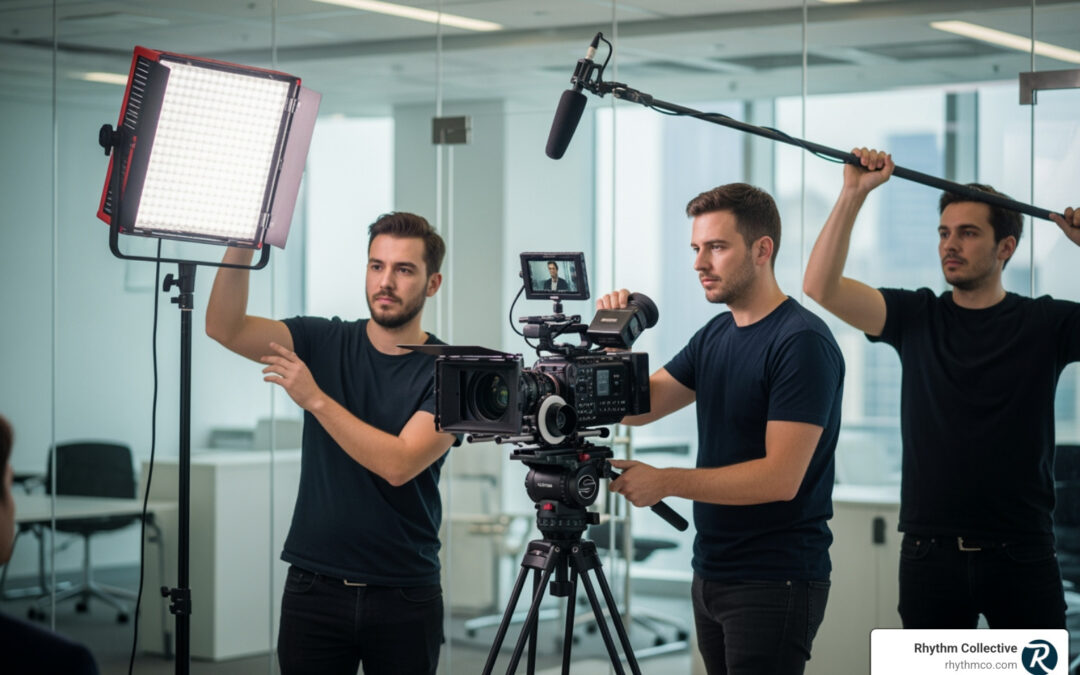
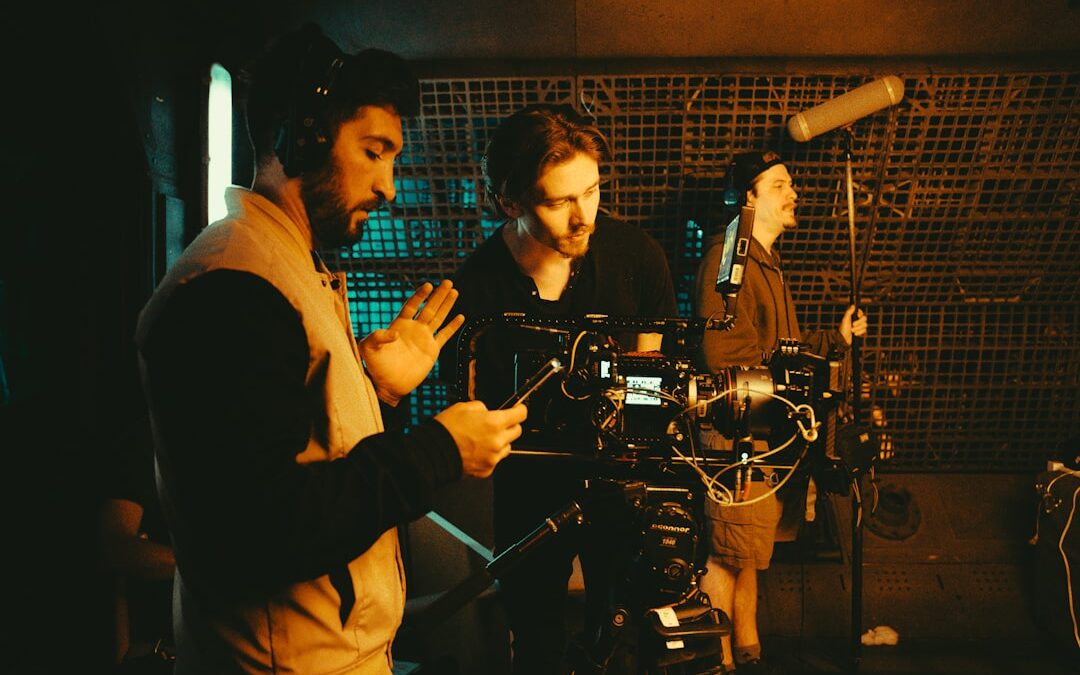
With your plan in place, it’s time to bring your vision to life. While professional production yields the best results, you can achieve good quality with a thoughtful approach.
- Essential Equipment:
- Camera: A modern smartphone can suffice for basic videos, but a DSLR or mirrorless camera offers superior quality.
- Microphone: This is often more important than the camera! Good audio is non-negotiable. A lapel mic for a single speaker or a directional mic for interviews will make a huge difference.
- Lighting: Natural light is great, but supplemental lighting (like a ring light or softboxes) can eliminate shadows and make your subject look professional.
- Tripod/Stabilization: Avoid shaky footage. A stable shot is a professional shot.
- Filming Techniques:
- Talking Head: An on-screen presenter can build rapport and deliver information directly. Ensure they are filmed waist-up for a more engaging, instructor-led feel.
- Screen Recording: Essential for software or technical training, showing exact steps on a computer screen.
- Live-Action: Demonstrations of physical tasks, safety procedures, or role-play scenarios.
- Choosing a Location: Select a quiet, well-lit space free from distractions. A clean, uncluttered background helps keep the focus on your content.
- Ensuring High-Quality Audio: This cannot be stressed enough. Poor audio makes a video unwatchable. Record in a quiet environment, close doors and windows, and speak clearly.
- Tips for Capturing Clear Visuals and Sound: Pay attention to focus, framing, and exposure. Do test recordings to check both visual and audio quality before your main shoot.
Step 3: Post-Production and Editing
This is where your raw footage transforms into a polished, professional employee training video. This phase is crucial for refining your message and maximizing engagement.
- Editing Software Basics: Tools like Adobe Premiere Pro or even simpler apps like Canva can be used. Many Gen-AI-powered video editing tools are emerging to help overcome technical problems.
- Adding Graphics and Text Overlays: Use on-screen text to reinforce key information, highlight important terms, or provide context. Graphics, arrows, and motion lines can clarify complex visuals, especially in technical training.
- Incorporating Music and Branding: Subtle background music can improve mood without distracting. Always include your company’s logo and brand colors to ensure consistency and professionalism.
- Review and Feedback Process: Share drafts with stakeholders and a small group of target learners. Gather feedback on clarity, engagement, and accuracy. This iterative process is vital for refining the video.
- Making Your Video the Right Length: The traditional wisdom suggested very short videos, but Techsmith’s 2024 research shows that respondents cited 10- to 19-minute-long videos as their preferred duration. The bottom line: a video should be as long as it needs to be to cover the subject matter effectively, but no longer. Break down longer topics into microlearning modules if necessary.
Advanced Strategies: Scaling Your Video Training Program
Once you’ve mastered the art of creating compelling employee training videos, the next step is to optimize their delivery and measure their impact. This involves leveraging advanced strategies to ensure your training program is not only effective but also scalable and future-proof.
Leveraging Microlearning for Maximum Impact
Microlearning is the art of delivering information in short, focused bursts, typically under 6 minutes. This approach is perfectly suited for employee training videos and offers immense benefits.
- Short, Focused Videos: Instead of hour-long modules, break down complex topics into bite-sized videos, each addressing a single concept or skill. Some experts even suggest training videos should last no longer than 6 minutes. Our courses, for example, average 7:12 minutes, designed to combat the reality that employees are interrupted every 11 minutes.
- Combating Short Attention Spans: In a world of constant digital stimulation, microlearning keeps learners engaged by respecting their limited attention spans.
- Mobile-Friendly Content: Shorter videos are ideal for on-the-go learning, allowing employees to access training on their smartphones or tablets during breaks or commutes.
- Creating a Searchable Knowledge Base: A library of microlearning videos acts as a readily accessible knowledge base. Employees can quickly search for specific answers or refresh their memory on a particular task, enabling just-in-time learning exactly when they need it.
Measuring Success and Tracking ROI
Creating great employee training videos is one thing; proving their value is another. Robust measurement and tracking are essential to demonstrate ROI and continuously improve your program.
- Tracking Completion Rates: Basic metrics like how many employees start and finish a video are a good starting point.
- Using Quizzes and Assessments: Embed short quizzes or interactive assessments within your videos to check comprehension and reinforce learning.
- Monitoring Engagement Analytics: Go beyond simple views. Track watch time, rewatches of specific segments, and drop-off points to understand what parts of your video are most engaging and where learners might be struggling.
- Linking Training to Performance Metrics: The ultimate goal is to see tangible improvements. Can you link safety training to a reduction in workplace incidents? Does sales training correlate with increased revenue? By connecting training data to business performance, you can quantify the value of your video program.
- Calculating Cost Savings: Don’t forget the financial benefits. Video training can reduce per-learner costs by 50-70% compared to traditional in-person programs, saving on instructor fees, travel, and materials.
Integrating with Your Learning Management System
For organizations with existing learning infrastructure, seamlessly integrating employee training videos with your Learning Management System (LMS) is key to a cohesive and efficient training ecosystem.
- Ensuring Compatibility: Most modern video training platforms are designed to integrate with popular LMSs like Cornerstone, SAP SuccessFactors, Workday, Canvas, and Moodle. Look for SCORM-compliant reporting, single sign-on (SSO), and easy embedding options.
- Essential Platform Features: Beyond basic hosting, your video platform should offer:
- Search: AI-powered search that can index spoken words and on-screen text, making your video library fully searchable.
- Analytics: Detailed insights into viewer behavior.
- Security: Enterprise-grade security features to protect sensitive training content.
- Mobile Access: Responsive design and dedicated mobile apps for learning on any device.
- Centralized Video Library: A single, organized repository for all your training content, making it easy to manage and distribute.
- Tips for Seamless Integration: Work with your LMS administrator and video platform provider to ensure a smooth setup. Leverage embed codes to place videos directly within your LMS courses, and use SSO for a frictionless user experience. This creates a unified learning environment where employees can access all their training resources in one place.
Frequently Asked Questions about Employee Training Videos
We often get asked common questions about creating effective employee training videos. Here are some of the most frequent ones, along with our expert insights.
How long should a training video be?
This is a classic question with a nuanced answer. For microlearning, videos are often under 6 minutes, ideal for quick refreshers or single concepts. However, recent research from Techsmith (2024) indicates that viewers actually prefer 10- to 19-minute-long videos for more in-depth topics.
The key is not a rigid time limit, but rather to be “as long as necessary, but as short as possible.” If a topic requires 15 minutes for thorough explanation and demonstration, make it 15 minutes. If it can be covered in 3 minutes, do that. The goal is to avoid unnecessary padding while ensuring full comprehension. Breaking down complex subjects into digestible chapters or a series of shorter videos is often the best approach.
How much does it cost to produce a training video?
The cost of producing an employee training video can vary widely, from almost nothing to tens of thousands of dollars, depending on several factors:
- DIY with a Smartphone: If you have an employee with a good phone camera, a decent microphone, and some basic editing skills, you can create simple videos for very low cost. This is great for internal process walkthroughs or quick updates.
- Professional Production: Hiring a professional team like Rhythm Collective involves costs for scripting, professional crew (director, videographer, audio engineer), high-end equipment, studio time, talent (actors or voice-over artists), and expert post-production (editing, motion graphics, sound design).
- Complexity: An animated explainer video will have different costs than a live-action role-play or a simple screen recording. Videos requiring special effects, multiple locations, or extensive graphical elements will be more expensive.
- Length: Longer videos generally cost more due to increased production and editing time.
- Talent: Using professional actors or voice artists adds to the budget.
For a high-impact, polished employee training video that reflects your brand’s professionalism, investing in professional production is often worthwhile. Our team in Knoxville, TN, can help you steer these options to find a solution that fits your budget and goals.
How can I make compliance training less boring?
Compliance training often gets a bad rap for being dry and unengaging, but it doesn’t have to be. Here’s how to inject life into your compliance employee training videos:
- Use Storytelling: Instead of just listing rules, tell a story about why the rule exists and what happens if it’s broken (or followed). Real-world scenarios resonate more than abstract concepts.
- Incorporate Humor (Appropriately): A touch of humor can make even serious topics more palatable. Be careful not to trivialize the subject, but a lighthearted approach can keep viewers engaged.
- Scenario-Based Examples and Role-Playing: Show, don’t just tell. Use short scenarios to demonstrate correct and incorrect behaviors. Animated characters can be particularly effective here, allowing you to depict sensitive situations without making individuals feel targeted.
- Create Interactive Videos: Add quizzes, clickable hotspots, or decision-making points within the video. This forces active participation and reinforces learning.
- Animate Complex Concepts: For abstract or technical compliance topics (like data privacy or cybersecurity), animation can simplify complex ideas, making them easier to understand and remember.
By employing these creative strategies, you can transform mandatory compliance training into an engaging and effective learning experience that truly sticks.
Conclusion
The landscape of corporate learning has evolved, and employee training video has emerged as the definitive tool for modern workplaces. We’ve seen how video surpasses traditional methods in engagement and knowledge retention, offering an impressive 95% retention rate compared to just 10% for text-based learning. From critical safety procedures that protect your team to nuanced soft skills that foster a thriving culture, video provides a consistent, scalable, and cost-effective solution for all your training needs.
At Rhythm Collective, we believe that impactful training videos are not just about showing information; they’re about changing how your employees learn, perform, and stay safe. We understand the unique needs of businesses in Knoxville and East Tennessee, and our expertise ensures that your employee training video content is not only visually stunning but also strategically designed to achieve your specific learning objectives.
Ready to leverage the power of video to lift your employee training? Let us help you Make Your Brand Shine with Impactful Videography. Our team is equipped to handle all your Video Production needs, from concept to completion, ensuring your training videos are watched, remembered, and applied.